
- Home
- »
- Free Resources for Small Businesses
- »
- Free Templates
- »
- Free Estimate Templates
- »
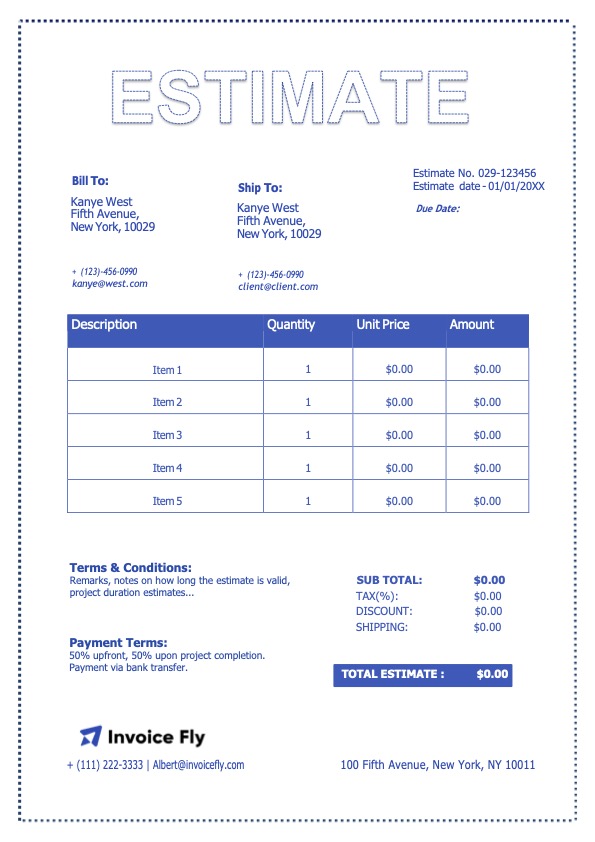
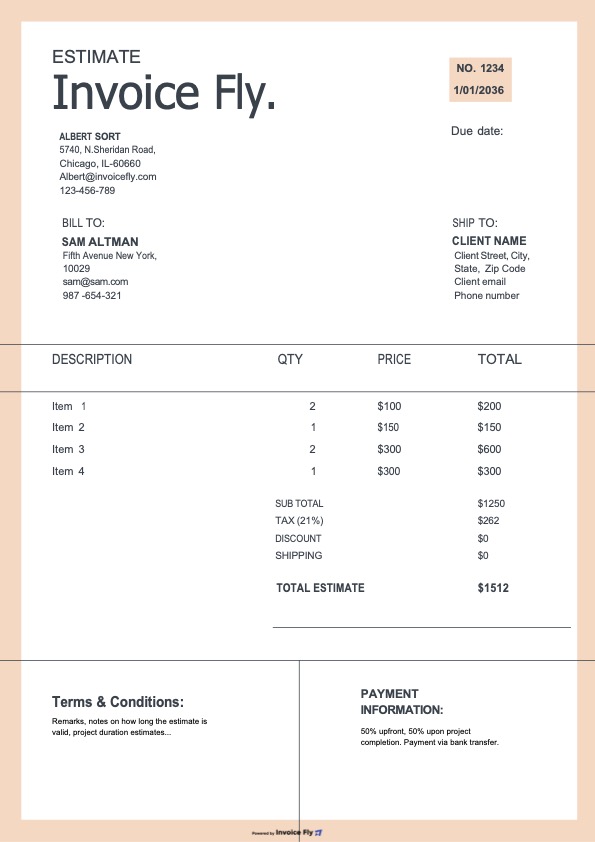
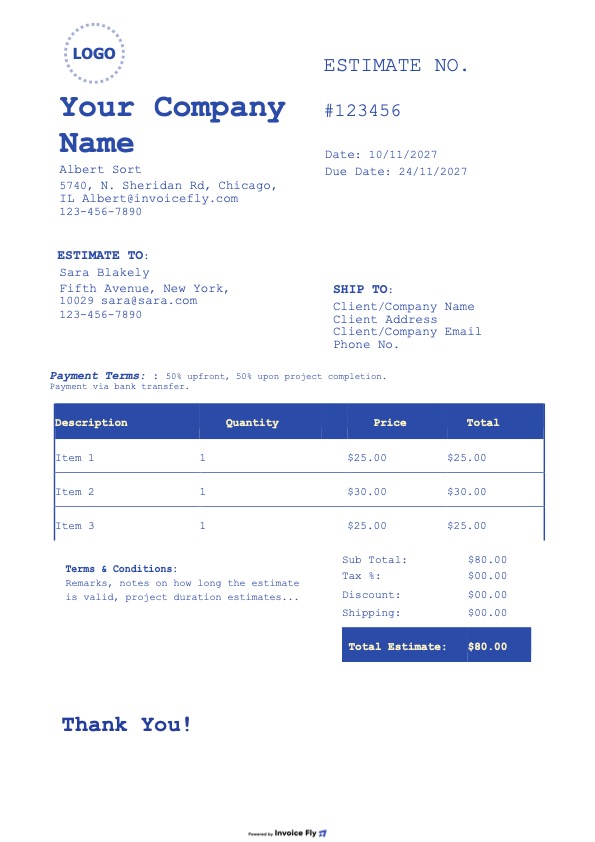
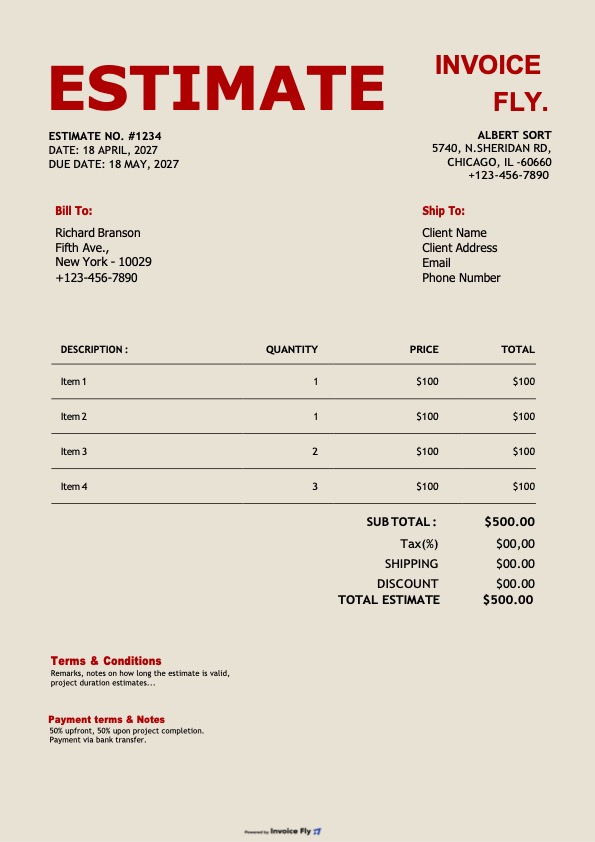
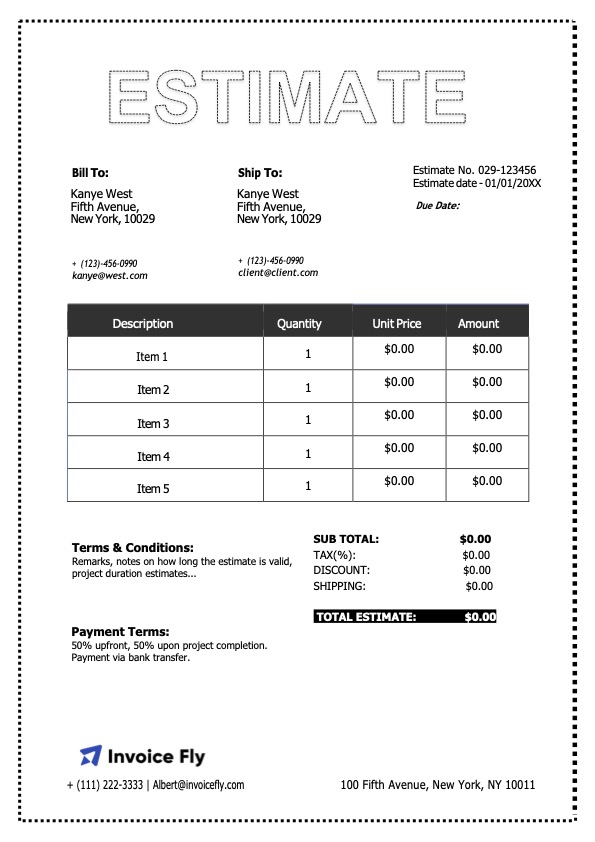
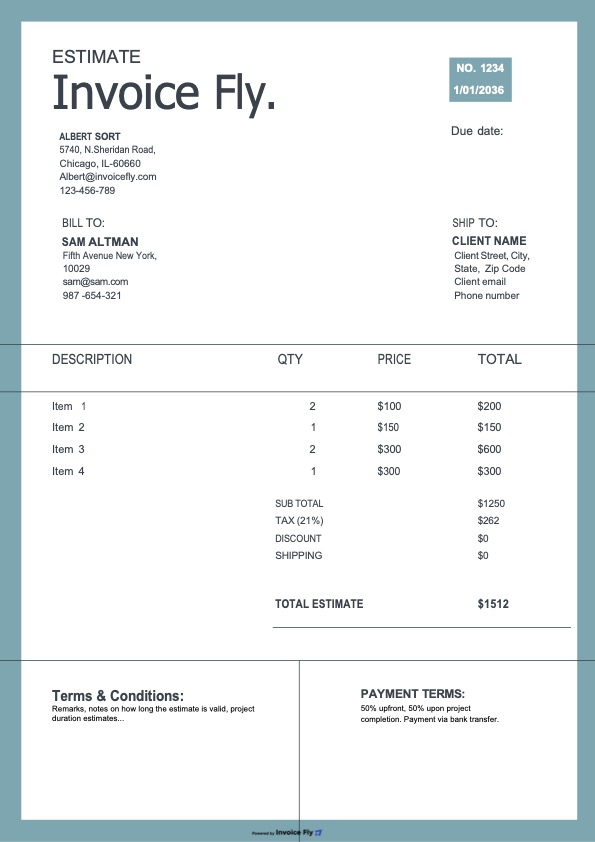
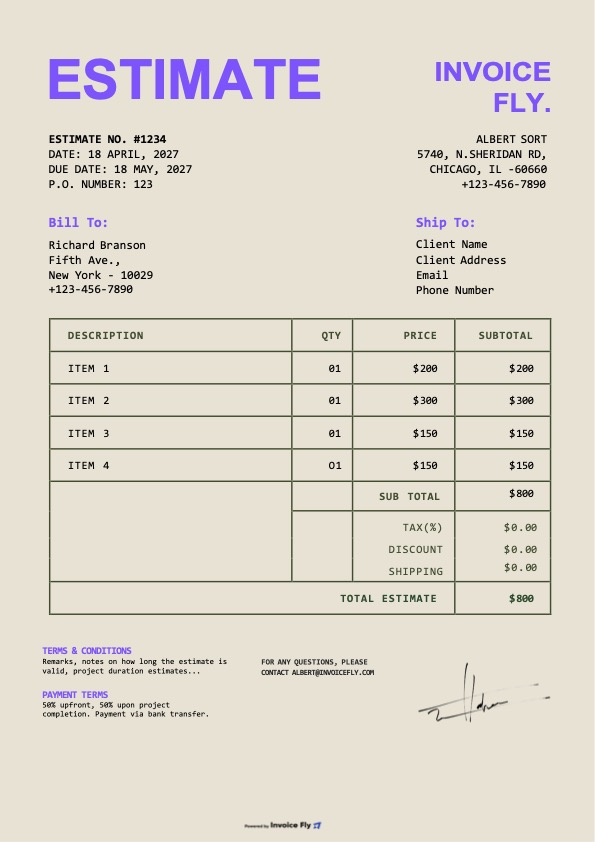
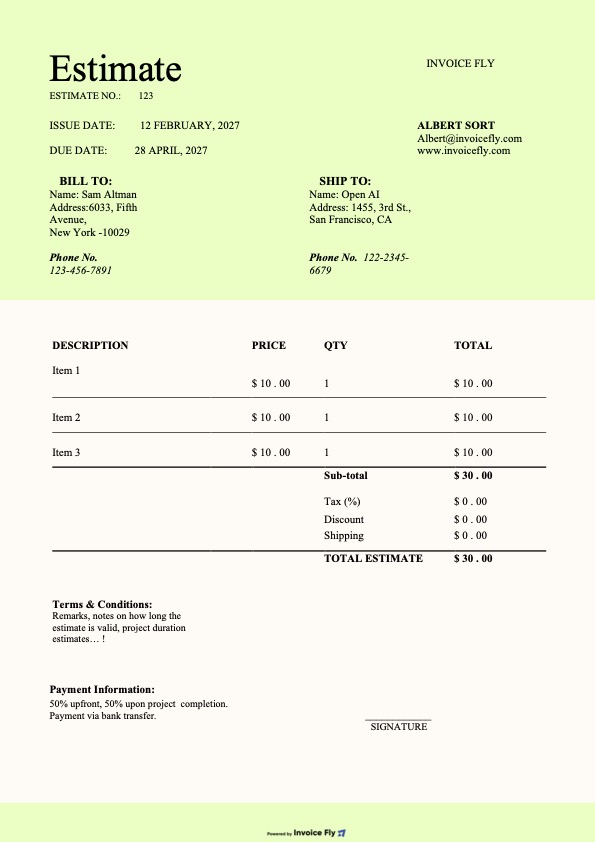
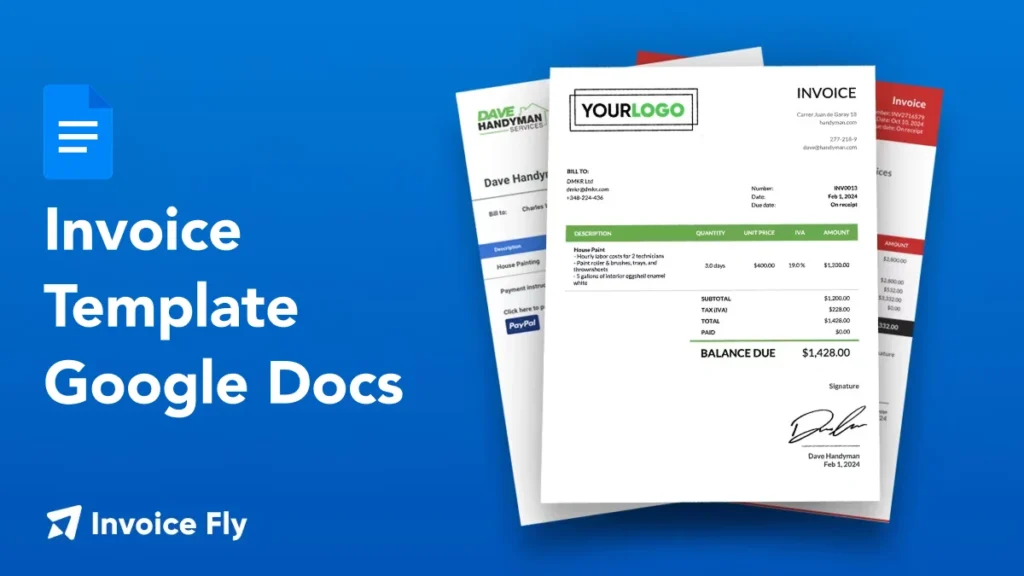
- Estimate Template for Google Docs
Free Estimate Templates for Google Docs
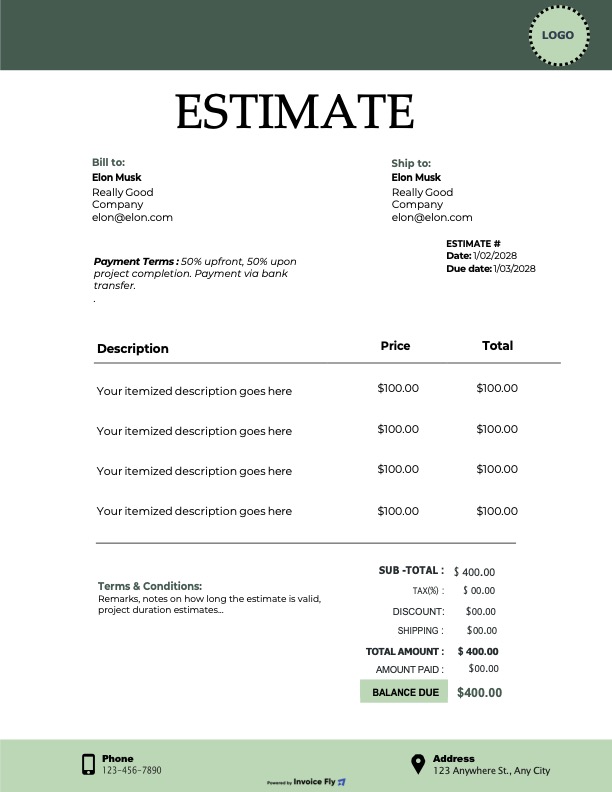
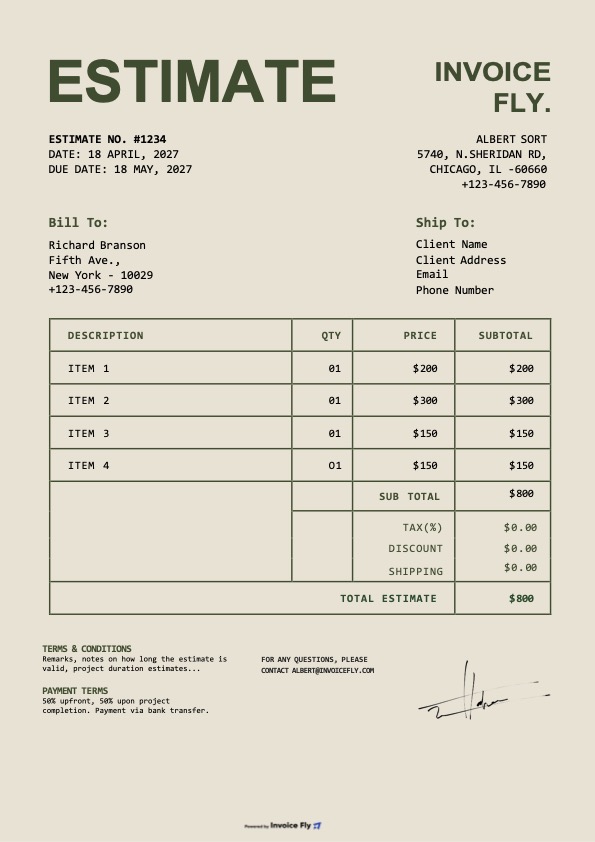
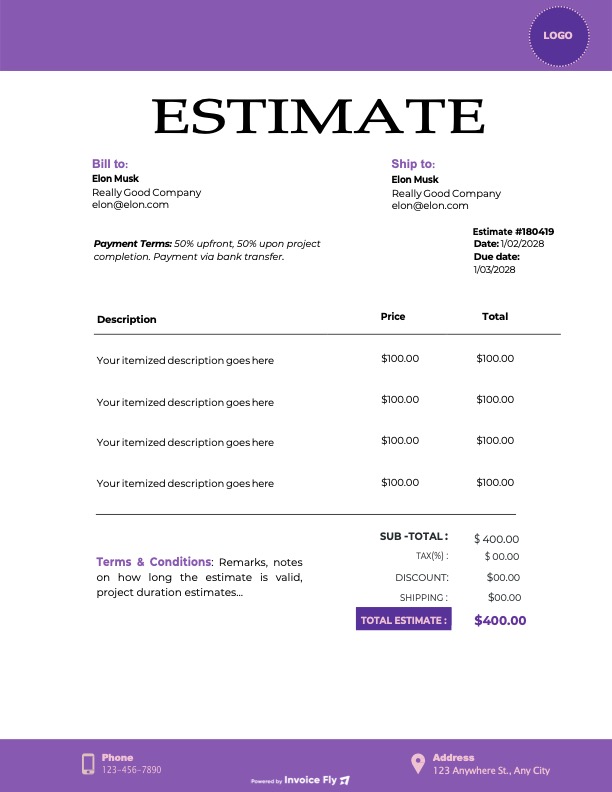
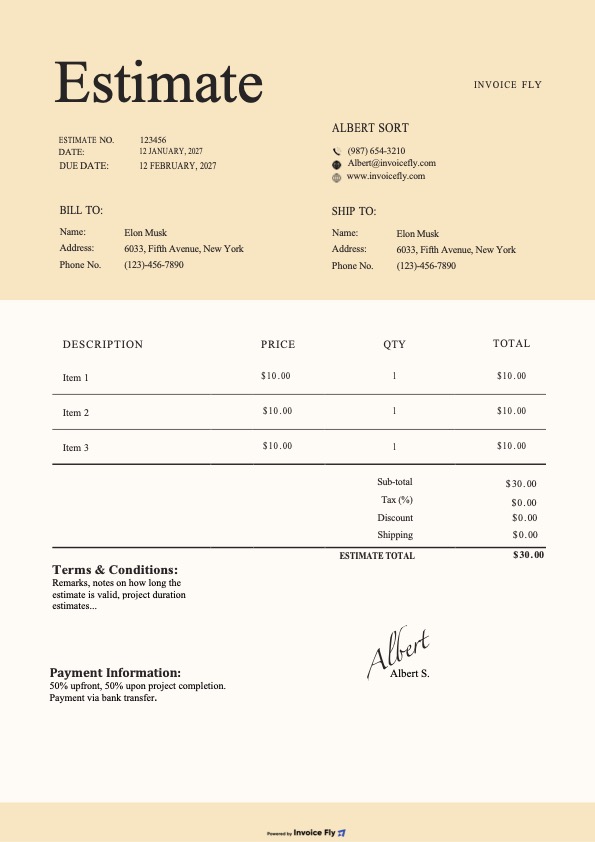
Create professional estimates in minutes with our free Google Docs estimate templates. Make a copy, customize your branding, and send—no design skills needed.
Invoice Fly Pro
Try Invoice Fly today without credit card
Start for free
Browse by format
Browse by industry
Why use a Google Docs estimate template?
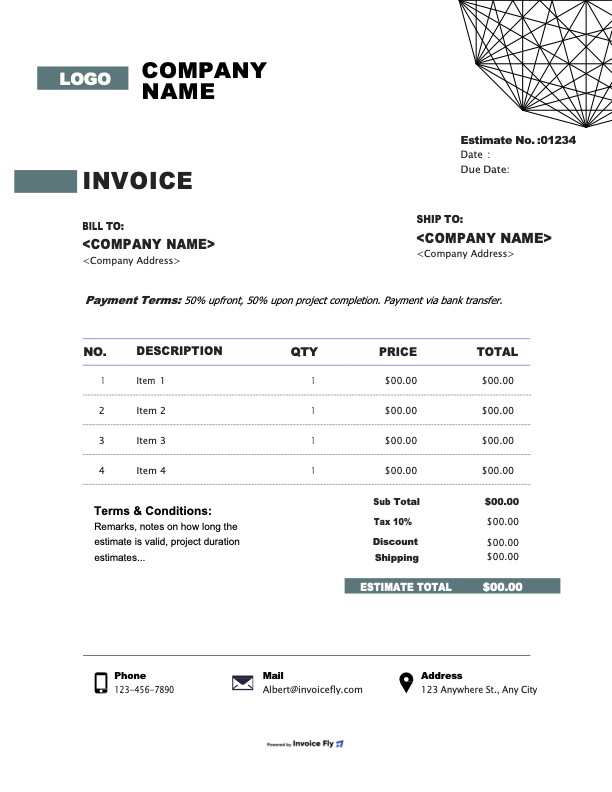
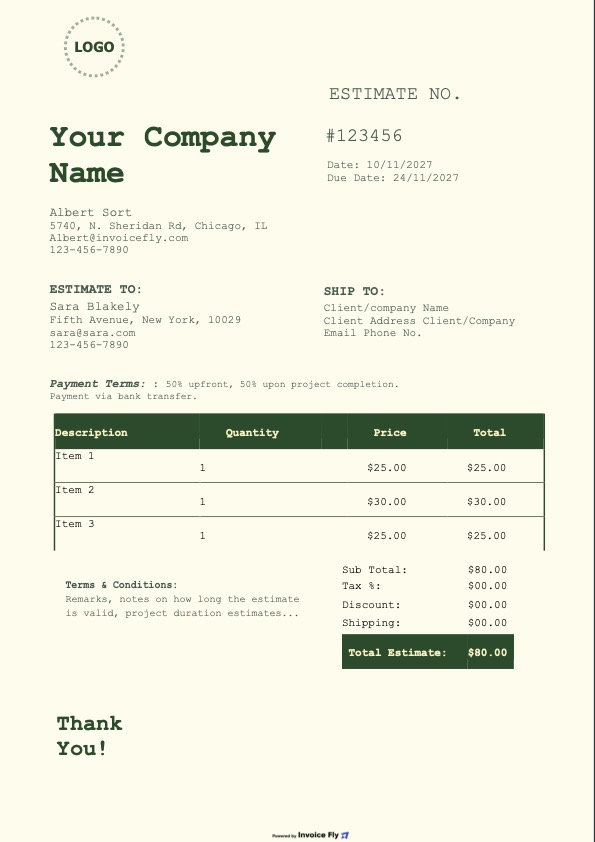
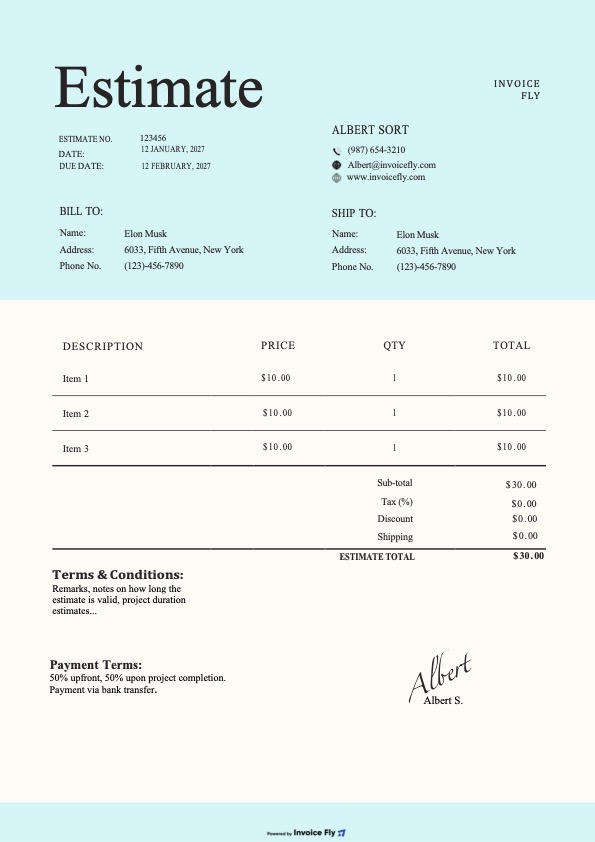
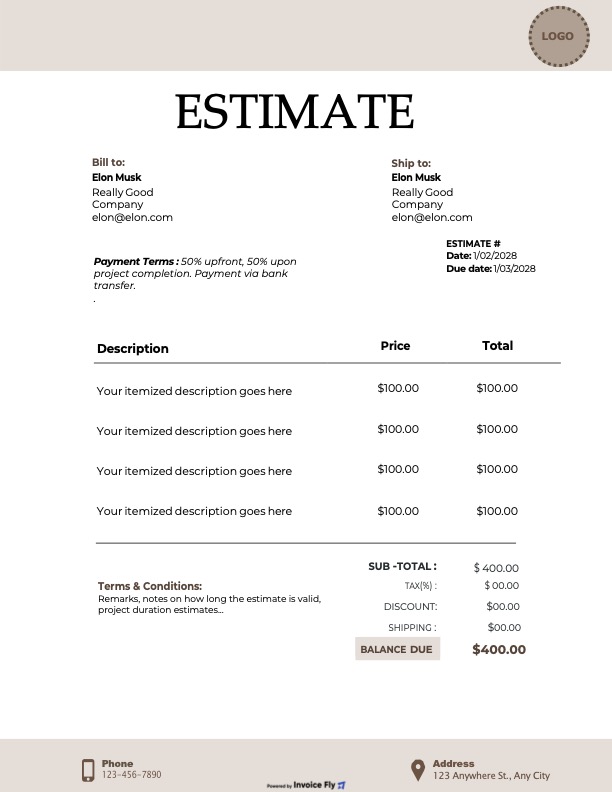
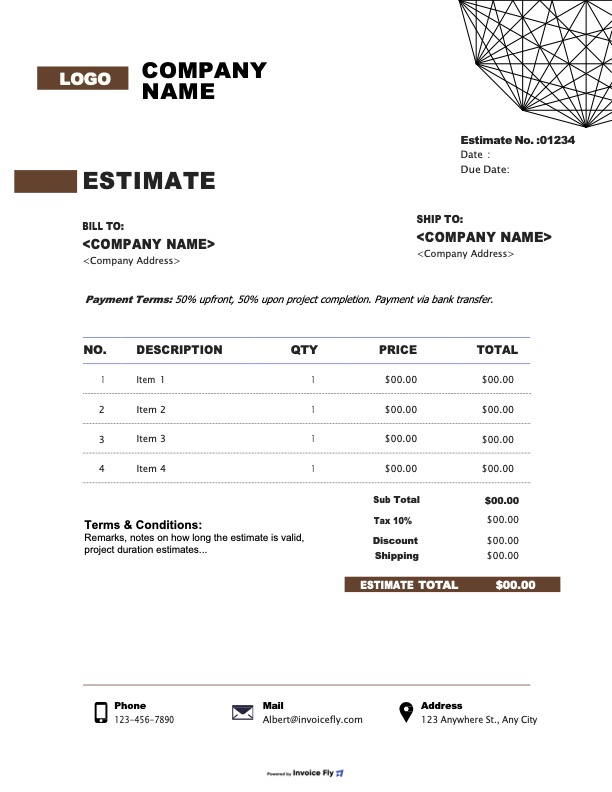
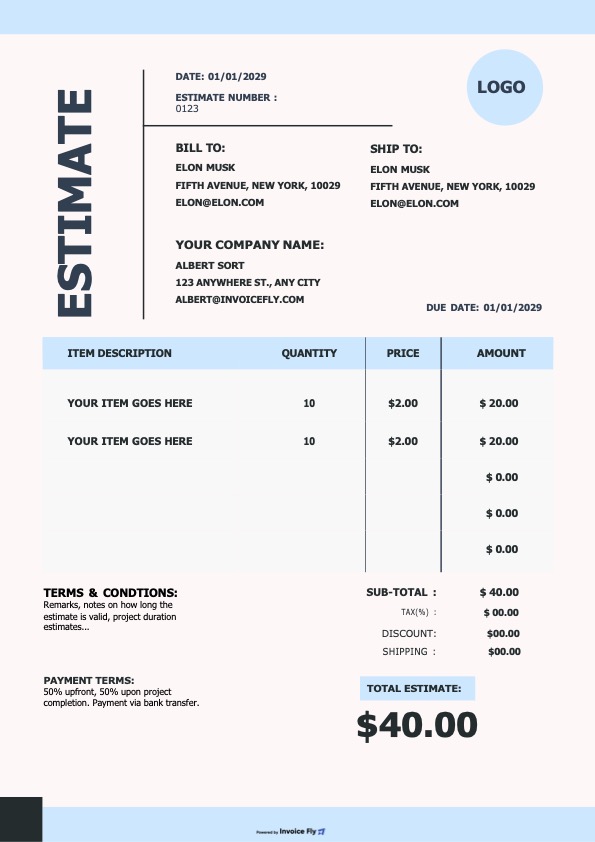
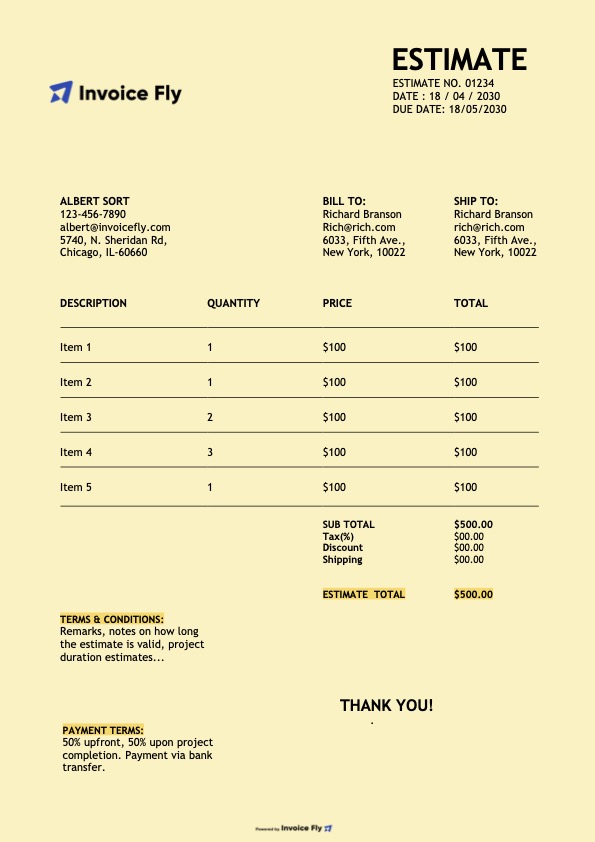
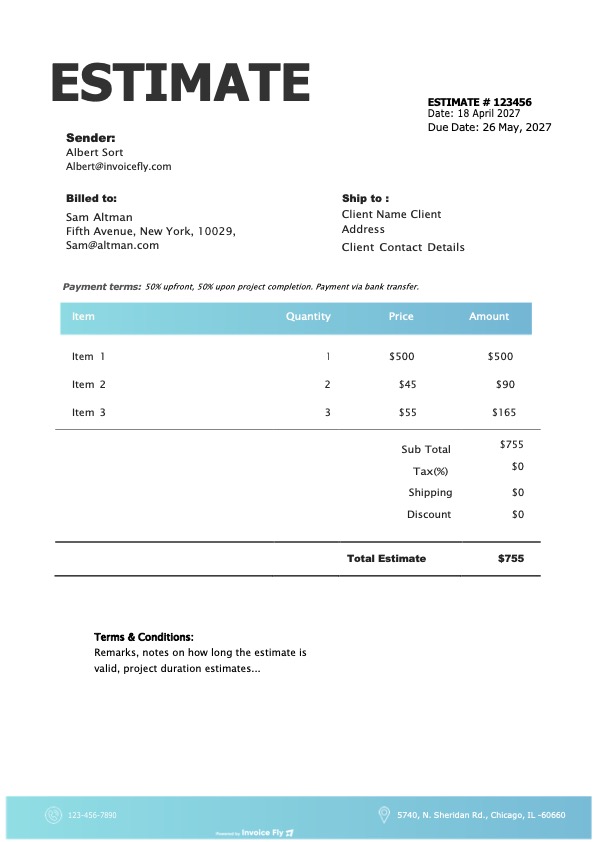
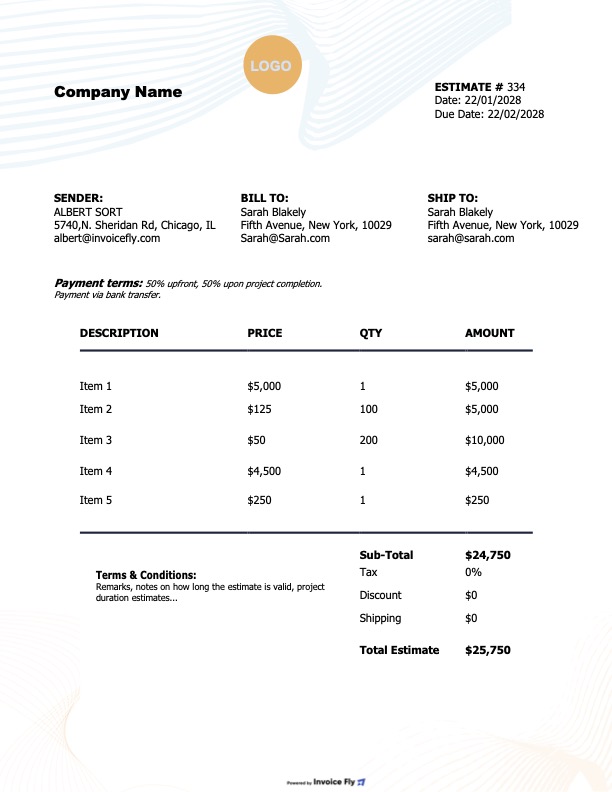
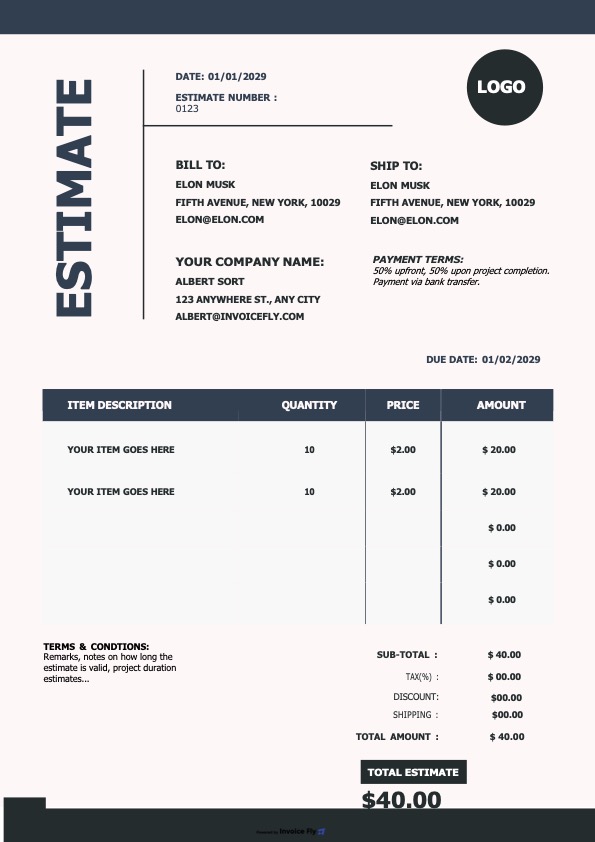
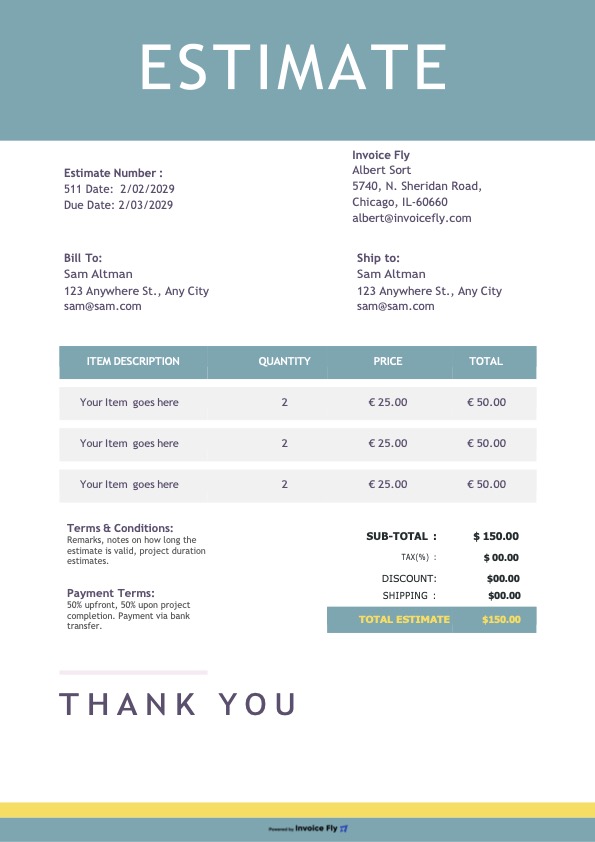
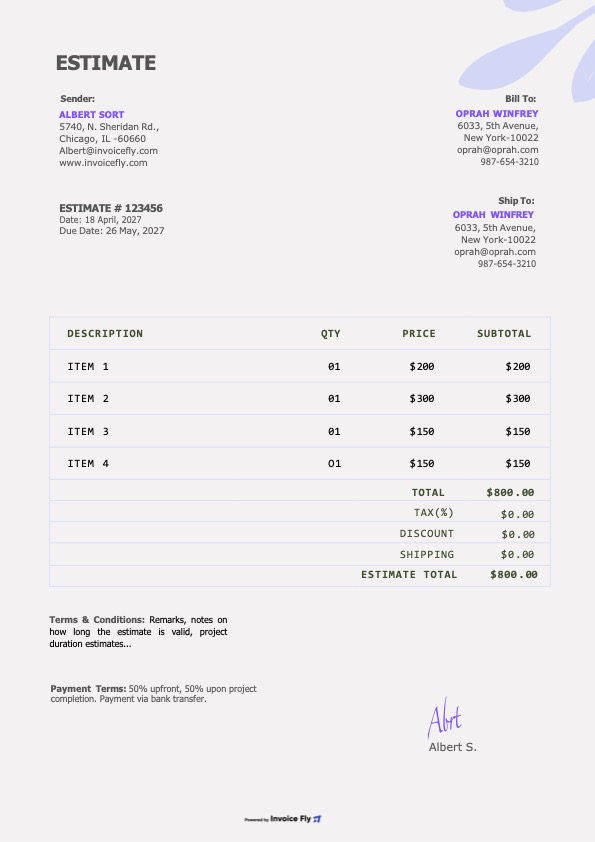
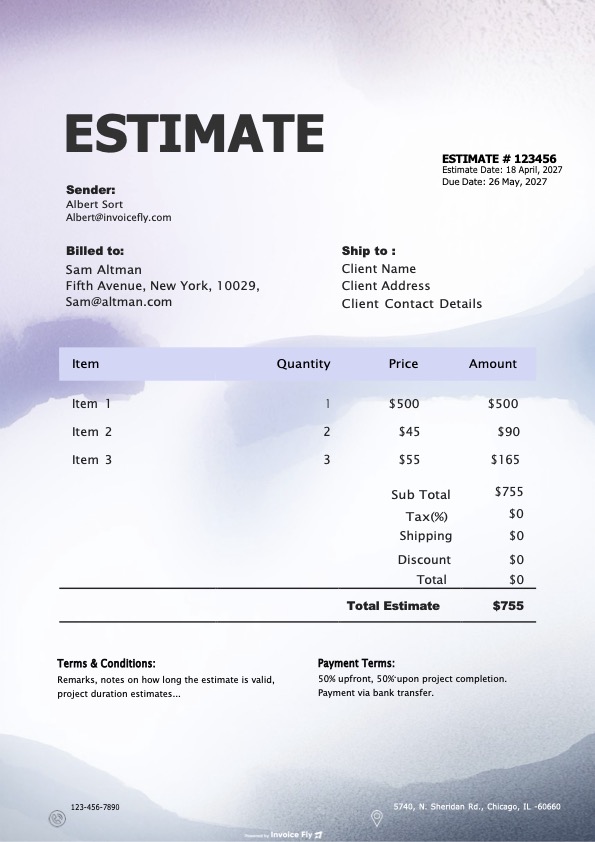
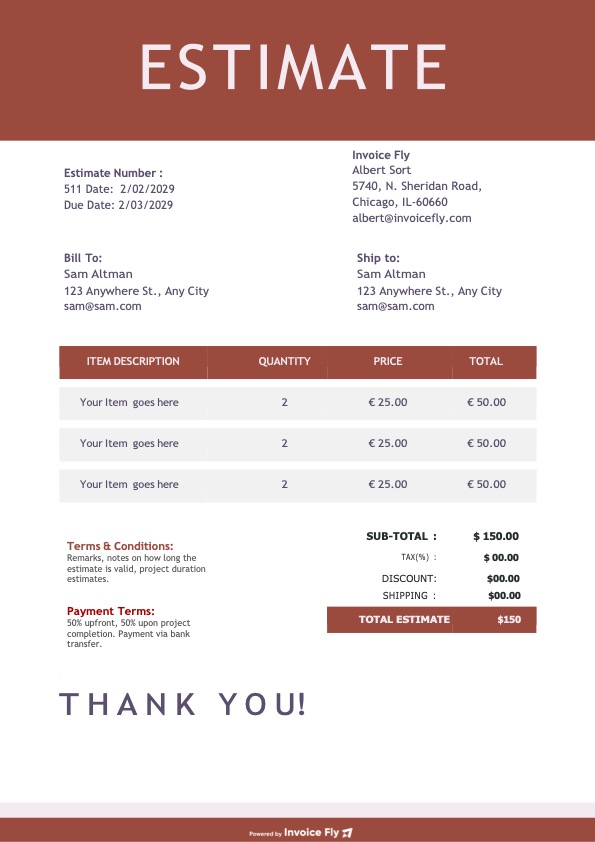
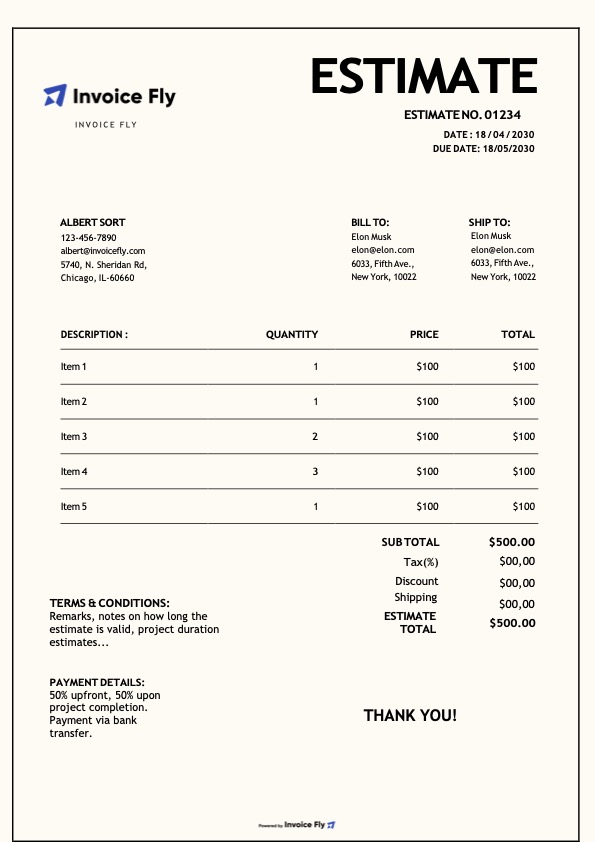
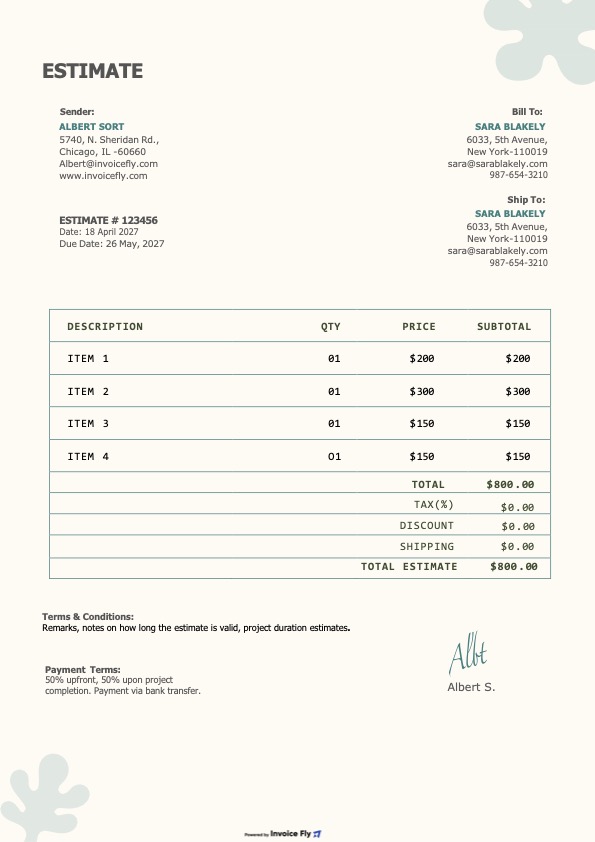
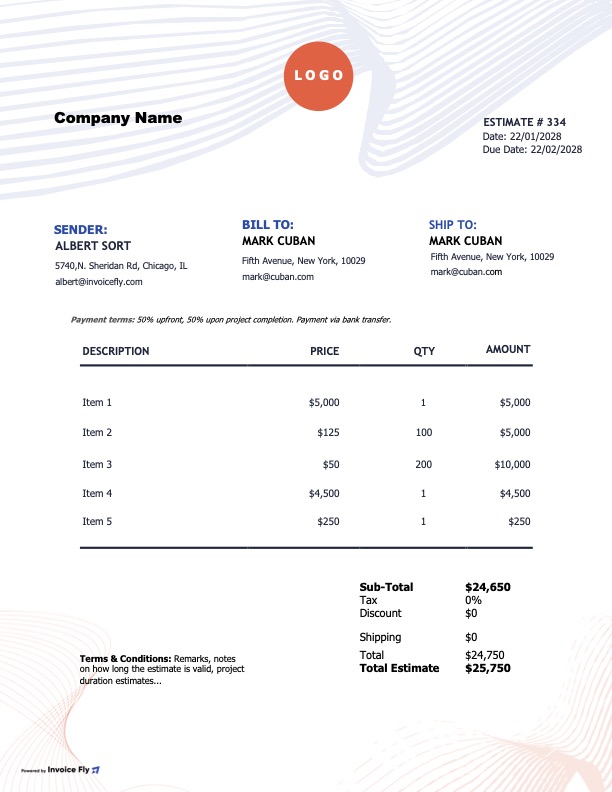
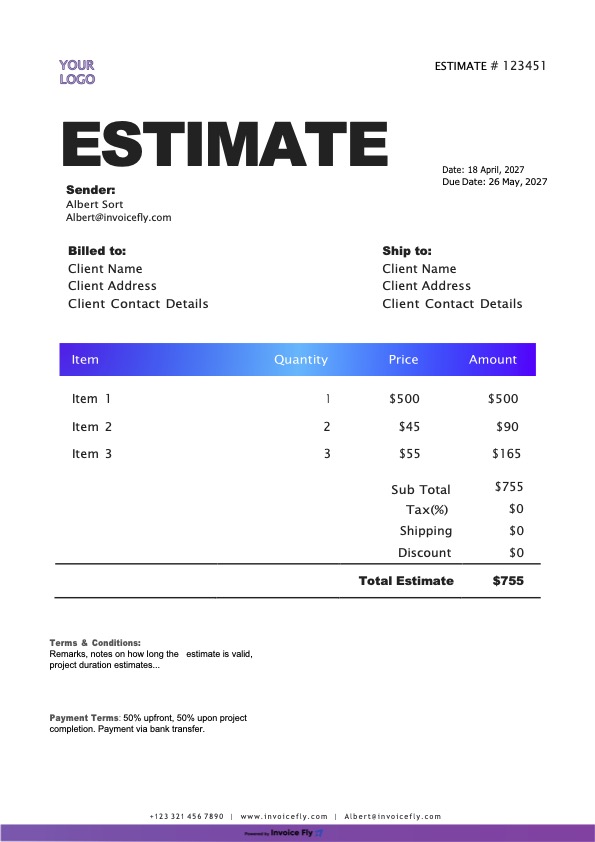
A Google Docs estimate template is a simple and professional way to create client estimates, project quotes, and price proposals online. If you need a fast, free solution, Google Docs helps you build clear estimates, organize your records in Drive, and send polished documents without starting from scratch. Our editable estimate templates include everything you need—logo, business details, client information, itemized services or products, taxes, totals, and terms—so you can create accurate estimates in minutes.
- Create professional estimates with your logo, brand colors, and business details
- Edit your estimate online, print it, or export it as a PDF
- Access your estimate template anywhere and share it with clients instantly
- Include essential estimate fields to reduce errors, confusion, and pricing disputes
- Save time with a ready-made estimate layout instead of building one manually
Formats included
Choose the format that works best for your business. Every estimate design is available in Google Docs, Google Sheets, Microsoft Word, Excel, and PDF, making it easy to edit, download, print, or send by email.
What’s included in each estimate template
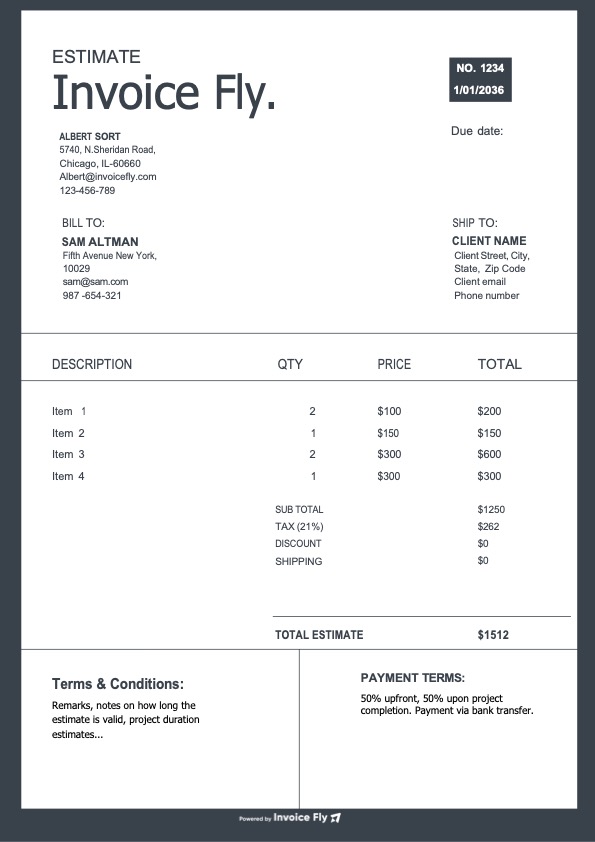
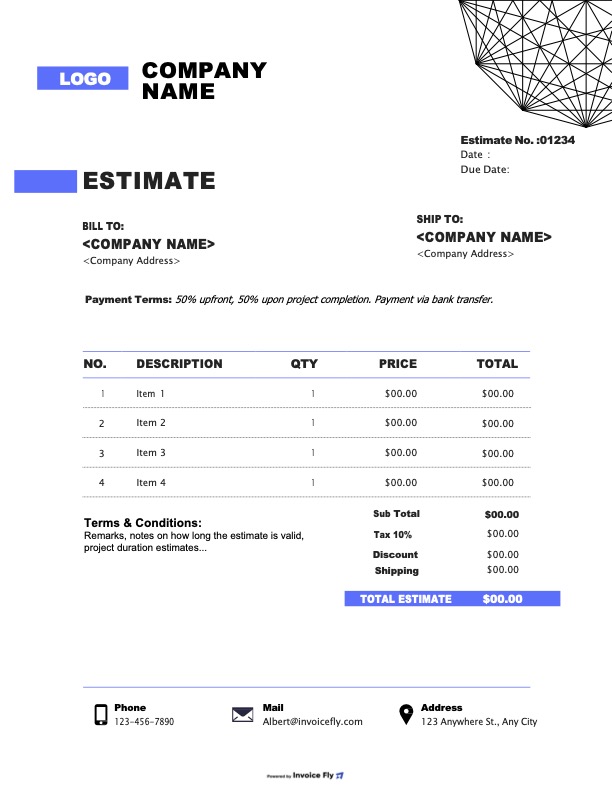
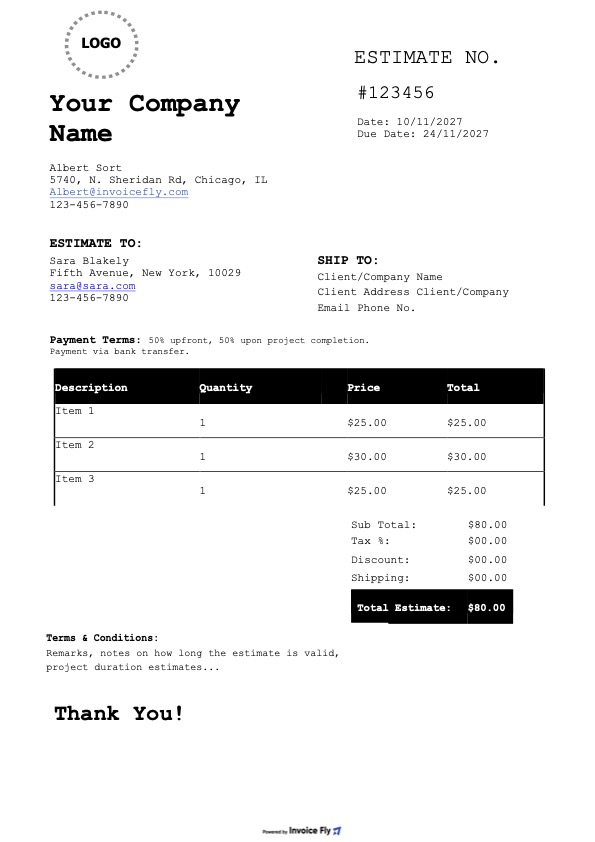
Every estimate template includes the essential sections you need to create clear, professional, and accurate project estimates for your clients. Whether you need a simple estimate form or a detailed business quote, each template is designed to help you save time, improve accuracy, and present your pricing professionally.
- Business and client details, including name, address, email, and phone number
- Estimate number, issue date, and expiration date for better tracking
- Itemized services or products with descriptions, quantity, unit price, and total amount
- Subtotal, discounts, taxes, and total estimated cost
- Notes, estimate terms, and client approval details
- Optional fields such as PO number, project name, and terms & conditions

How to use the estimate template in Google Docs
- Click Make a copy to save the estimate template to your Google Drive
- Replace the placeholder text with your business information and client details
- Add your products or services, then update quantities and unit prices
- Insert any discounts, applicable taxes, and other estimated charges
- Review the total estimate, add your terms, expiration date, and a short note
- Go to File → Download → PDF to send your estimate, or share the Google Docs link with view-only access

Download Invoice Fly now
& start growing
your business!
Google Docs
Estimate Template FAQs
Yes. Google Docs can be used as a simple estimate generator, and our free Google Docs estimate template makes it easy to create professional estimates for clients. Just make a copy in Google Drive, customize the estimate form with your business details, and download it as a PDF when it’s ready.
To create an estimate in Google Docs, open the Google Docs estimate template, make a copy, and replace the sample content with your business information, client details, services or products, pricing, and terms. Once your estimate form is complete, you can print it, save it in Drive, or export it as a PDF to send to your client.
Yes. We provide a free estimate template for both Google Docs and Google Sheets. The Google Docs version is ideal for clean formatting and fast editing, while the Google Sheets estimate template is better for automatic calculations like subtotals, taxes, and total project costs.
A Google Docs estimate template is best for creating polished, easy-to-read client estimates and quotes. A Google Sheets estimate template is better when you need formulas, automatic totals, and more flexibility for complex pricing. Both formats work well for creating a business estimate template depending on your workflow.
Absolutely. Our estimate templates can be customized for many industries, including construction, consulting, freelance services, home repair, landscaping, and contractor work. Whether you need a job estimate template, service estimate template, or project estimate template, you can edit the line items, labor, materials, and terms to match your business.
To add tax to your Google Docs estimate template, include a tax line below the subtotal and enter the applicable rate or amount. This works well for simple estimates. If you need automatic tax calculations, the Google Sheets estimate template may be a better choice for your estimate form.
If you create estimates frequently, a dedicated estimating tool like Invoice Fly can be a stronger alternative to a basic Google Docs estimate template. It helps you create estimates faster, save client and item details, stay organized, and convert estimates into invoices more efficiently.
Yes. Every estimate template is also available in Microsoft Word, Excel, and PDF format. That means you can choose the format that best fits your workflow, whether you want to edit a project estimate template, print a job estimate, or email a professional estimate PDF to your client.

Other Free Resources




Ready to Simplify Your Invoicing?
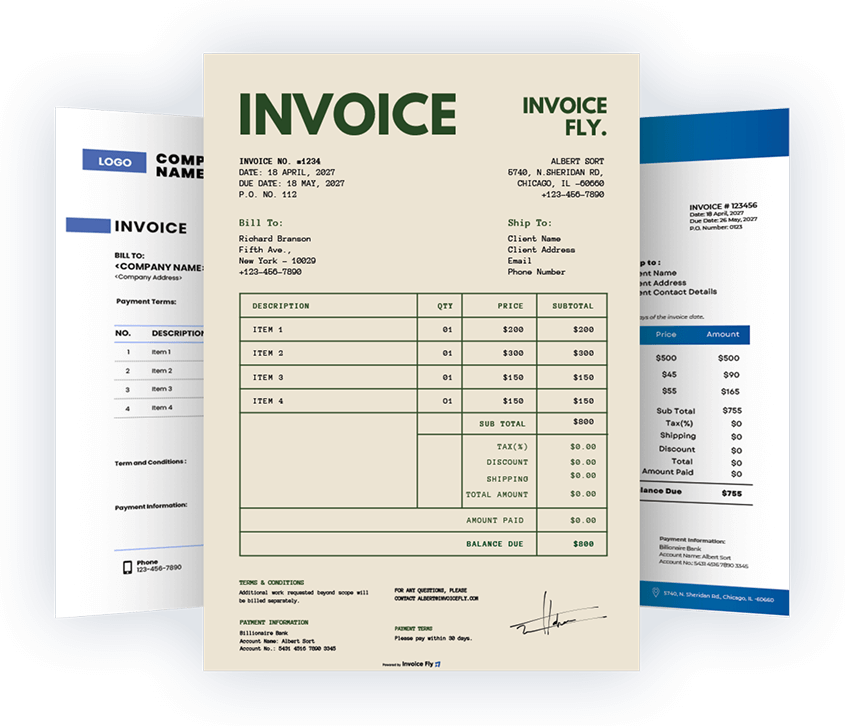
Choose from beautifully designed invoice templates, customize them to your needs, and download your invoice in seconds. For a faster workflow, you can also create invoices online using our invoice generator.
 English
 Español